Ultimate Guide: Choosing a PostgreSQL Version in 2026
Rebooter.S
7 min read
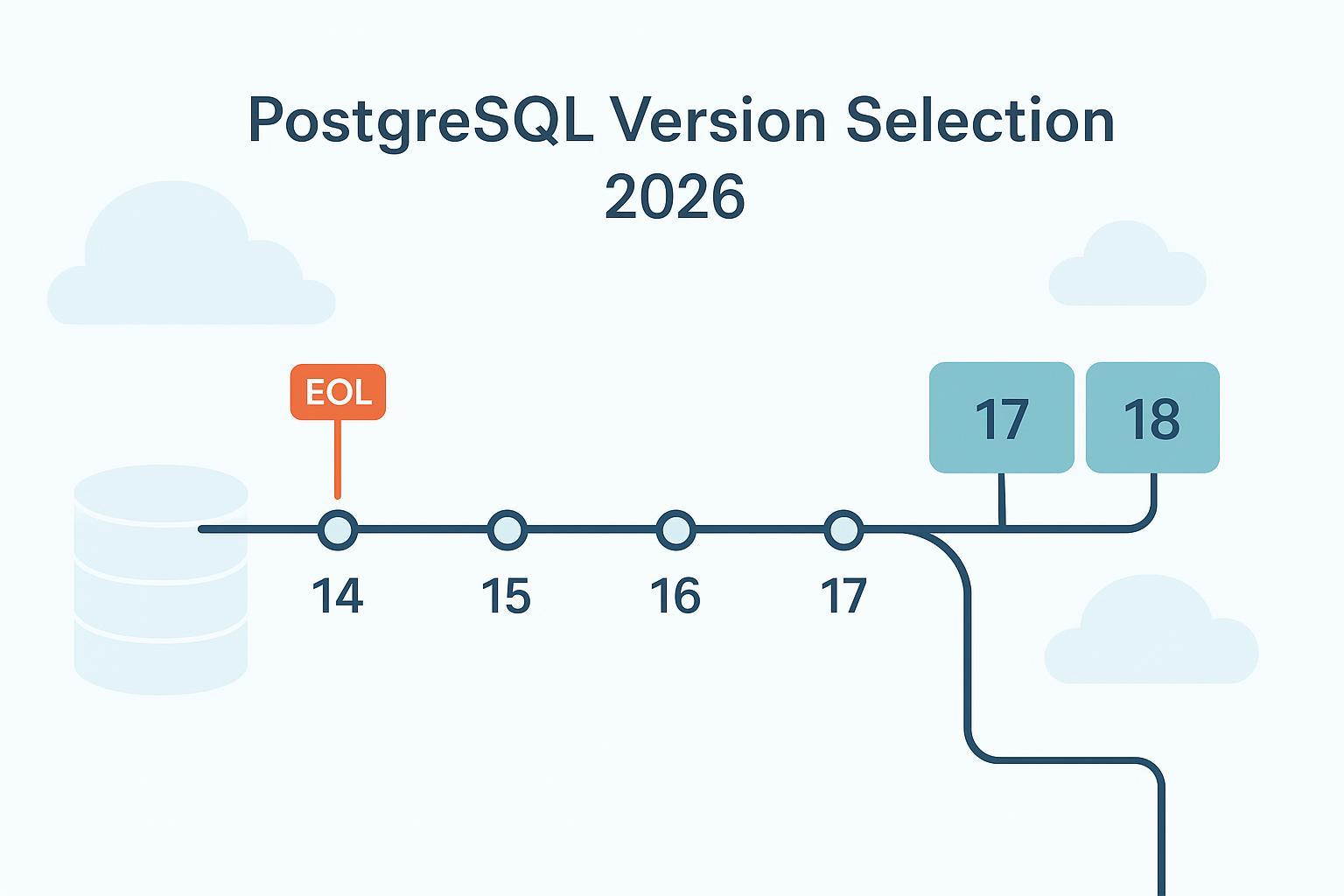
If you need a clear, defensible answer to “Which PostgreSQL version should we run in 2026?”, start with three realities: your stability runway, your managed cloud’s readiness, and your extension stack. Then layer in migration risk. This guide brings those threads together with authoritative sources and practical paths you can execute this quarter.
PostgreSQL majors receive five years of community support. In 2026, supported releases are 14 through 18; 13 is end‑of‑life.
| Major | GA date | EOL date | Runway in 2026 |
|---|---|---|---|
| 14 | 2021‑09‑30 | 2026‑09‑30 | Nearing EOL (late 2026) |
| 15 | 2022‑10‑13 | 2027‑10‑13 | ~1 year beyond 2026 |
| 16 | 2023‑09‑14 | 2028‑09‑14 | ~2 years beyond 2026 |
| 17 | 2024‑09‑26 | 2029‑09‑26 | ~3 years beyond 2026 |
| 18 | 2025‑11‑13 | 2030‑11‑13 | ~4 years beyond 2026 |
Last verified: 2026‑01‑12. Sources: GA news on PostgreSQL.org and the versioning policy.
Here’s the distilled answer. If your managed provider marks 18 as GA in your region and your extension set is fully supported, pick 18 for the longest runway and potential I/O and maintenance gains. If you find any gaps—especially with extensions—pick 17. Add 16 to the shortlist only when organizational constraints require a conservative move with a shorter support window.
You’re likely weighing 17’s maturity against 18’s longer runway and performance changes. Here’s how to reason about it.
PostgreSQL 17 delivers notable gains in vacuum memory management, streaming I/O, planner improvements, SQL/JSON capabilities, and operational tooling. It also adds MERGE improvements and better logical replication utilities that make migrations smoother. For a concise overview, see the official release notes for 17.
Operationally, 17 is attractive when you want improvements that have had more time to bake in the ecosystem—extension builds, managed‑service defaults, and community practices—while still securing a support runway to 2029.
PostgreSQL 18 introduces an asynchronous I/O subsystem for sequential and bitmap scans and VACUUM, along with planner and executor enhancements. In I/O‑bound scenarios, some workloads see significant speed‑ups, and observability continues to improve. Review the official 18 release notes and GA announcement for specifics.
18 is compelling when you value the longest runway (2030) and want to model gains in scans, maintenance, and certain index behaviors. The catch? Confirm your provider’s GA status and your extension availability before you commit.
PostgreSQL 16 introduced parallelism and planner improvements, MERGE, and maintenance efficiencies that were substantial for teams coming from 14/15. It’s a solid conservative choice if your environment is slow to adopt newer majors, but its runway ends in 2028.
Your selection should align with what your managed service supports as GA with SLA coverage and documented upgrade/rollback paths.
Practical tip: Make your short list match the newest major your provider marks GA and production‑ready. Then verify extension coverage before locking the choice.
Two layers matter: whether the extension project supports the major, and whether your provider offers that extension for that major.
If your app is extension‑heavy, run a compatibility rehearsal: spin up a test instance on the target major, install extensions, restore a recent snapshot, and validate workload behaviors under realistic concurrency.
With PostgreSQL 13 already EOL, 2026 is the right time to move to 17 or 18. Your upgrade path depends on downtime tolerance, data size, and provider tooling.
| Strategy | Downtime profile | Best for | Prerequisites | Rollback approach |
|---|---|---|---|---|
| Logical replication to a side‑by‑side target | Seconds to tens of seconds after rehearsal | Strict SLAs, large datasets, cross‑platform moves | Publications/subscriptions; extension parity; sequence sync; cutover plan | Keep source read‑only during validation; revert traffic if needed |
| In‑place pg_upgrade | Minutes to tens of minutes on well‑sized clusters | Predictable maintenance windows, self‑managed or provider in‑place upgrades | Latest source minor; disk headroom; post‑upgrade analyze; possible reindex notes | Full backup/snapshot; restore to pre‑upgrade state if failure |
| Dump/restore | Long outage | Small/simple databases or architecture changes | Compatible binaries; test restores; maintenance window | Restore from tested dump; revert app configs |
Last verified: 2026‑01‑12. Sources: PostgreSQL documentation for logical replication and pg_upgrade; provider upgrade pages mentioned above.
How to minimize risk in practice:
PostgreSQL 18’s asynchronous I/O and planner changes can improve large sequential scans, bitmap scans, and VACUUM in I/O‑bound environments. Independent write‑ups show gains in targeted scenarios, but comprehensive, apples‑to‑apples suites across OLTP and mixed workloads are still sparse. Treat benchmarks as directional and validate with your own datasets.
A simple plan: capture a representative workload, enable AIO‑related settings where applicable, and compare 17 vs 18 on the same hardware. Watch EXPLAIN output, I/O wait profiles, and autovacuum behavior. If 18 consistently reduces scan time or VACUUM wall‑clock by double‑digit percentages, the runway to 2030 amplifies the operational value.
Sources you should consult before production changes:
SQLFlash is your AI-powered SQL Optimization Partner.
Based on AI models, we accurately identify SQL performance bottlenecks and optimize query performance, freeing you from the cumbersome SQL tuning process so you can fully focus on developing and implementing business logic.
Join us and experience the power of SQLFlash today!.