6 Best Managed PostgreSQL: AWS vs Azure vs GCP vs Supabase — 2026
Rebooter.S
10 min read
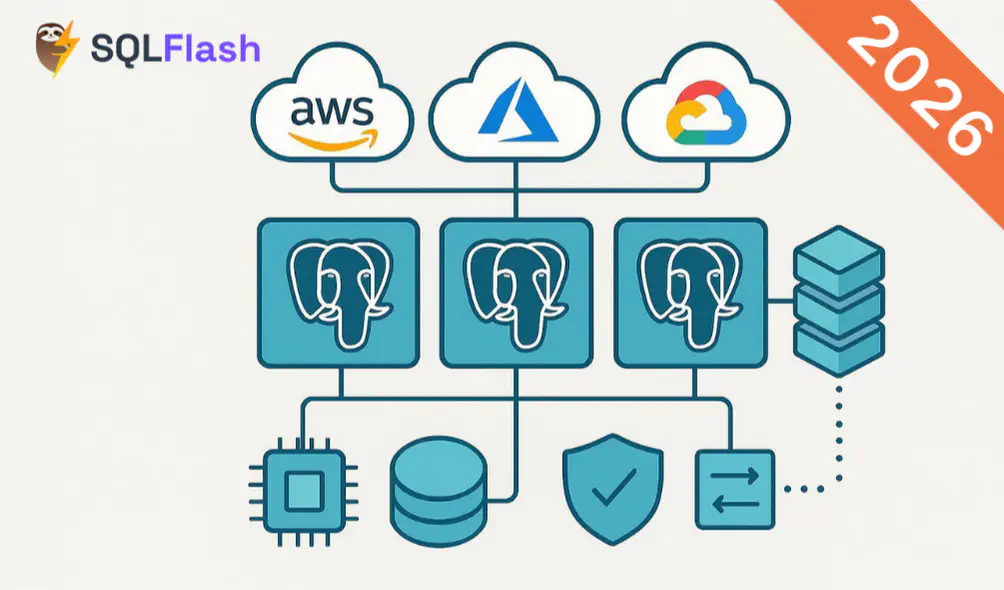
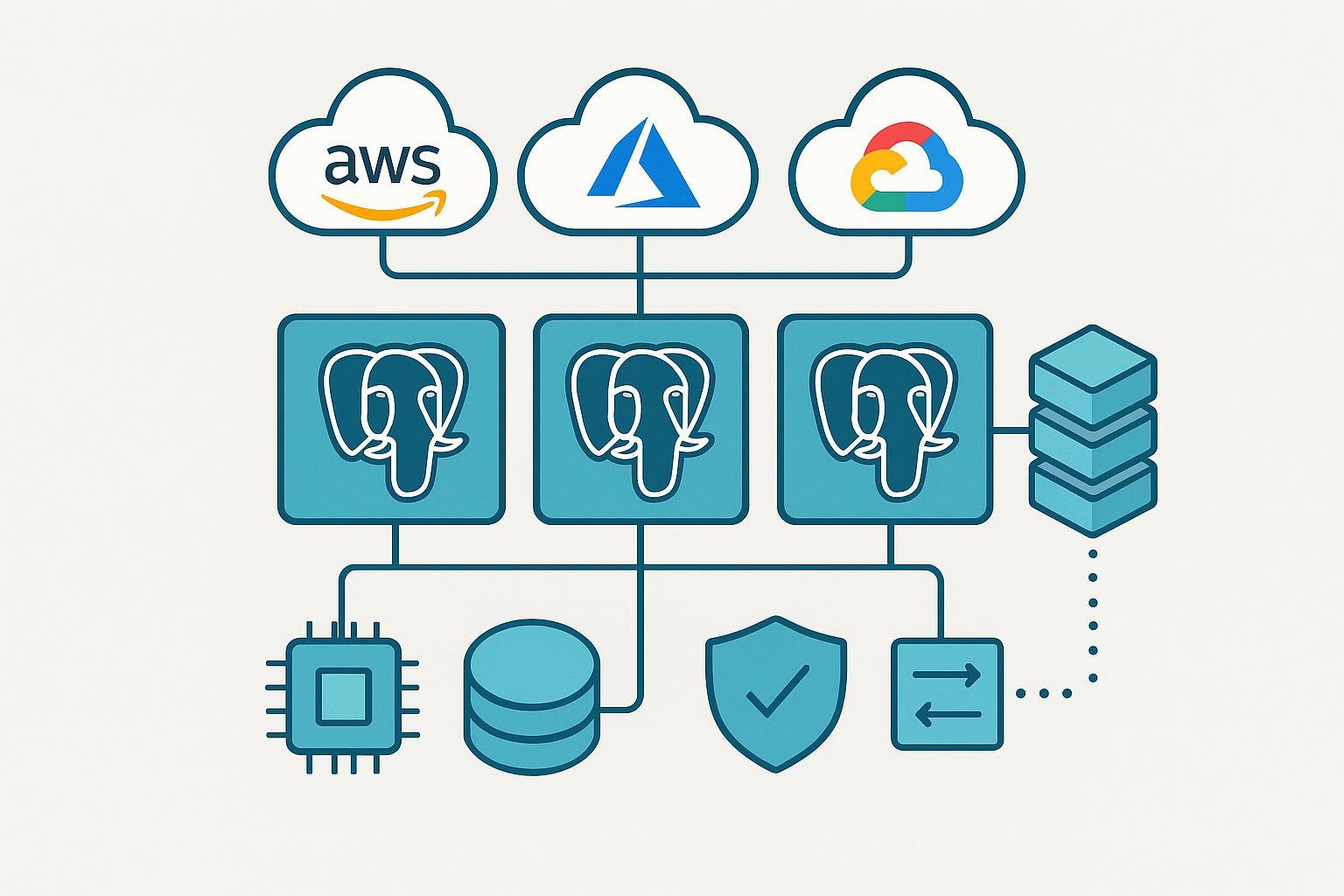
If you’re choosing a managed PostgreSQL in 2026, the fastest path to a good decision is to model Total Cost of Ownership first (compute, storage, backups, and network egress), then sanity‑check performance ceilings (throughput, concurrent connections, IOPS/throughput), and finally confirm high availability, PITR, and security fit. This guide compares AWS RDS and Aurora, Azure Database for PostgreSQL Flexible Server, Google Cloud SQL and AlloyDB, and Supabase Managed Postgres with a developer‑experience lens and links to authoritative docs.
| Provider & service | Best for | HA scope | Notable traits |
|---|---|---|---|
| AWS RDS for PostgreSQL | Balanced TCO with enterprise knobs | Multi-AZ within a Region | Mature ecosystem, flexible storage (gp3/io2), RDS Proxy, broad instance families |
| Amazon Aurora PostgreSQL | High availability and global scale | Multi-AZ + optional Global Database | Distributed storage, serverless v2 with fine-grained scaling, strong replica story |
| Azure PostgreSQL Flexible Server | Azure-first dev teams and Windows/Office stack | Zone-redundant in-Region | Premium SSD v2 storage tuning, straightforward ops, good integration with Azure services |
| Google Cloud SQL for PostgreSQL | Simplicity and managed pooling | Regional HA within a Region | Managed PgBouncer, clean admin UX, solid backup options |
| Google AlloyDB for PostgreSQL | Performance headroom and read scaling | Regional HA + cross-region replicas | Read pools, engineered for throughput/low-latency workloads |
| Supabase Managed Postgres | Product teams shipping fast | HA varies by plan; check dashboard | Developer-first UX, integrated auth/storage/functions, built-in connection pooling (Supavisor) |
TCO swings on a few levers you can control:
Provider patterns and where to look in docs:
Practical tip: build a small spreadsheet per workload with four lines—compute, storage (capacity and IOPS/throughput if applicable), backup storage, and egress/cross-zone traffic. Use a single region for apples-to-apples, then layer multi‑AZ or cross‑region as a scenario toggle.
Here’s the deal: most production Postgres workloads bottleneck on storage latency/throughput and connection management long before raw CPU. Treat “Postgres IOPS comparison” as a storage configuration exercise rather than a vendor arms race.
Evidence anchors worth skimming:
Best for teams that want a familiar, cost-balanced managed Postgres with knobs for storage performance and connection pooling. TCO hinges on instance class, gp3 vs io1/io2, and Multi‑AZ. Performance scales with the right EBS choice and instance family; for very demanding I/O, io2 Block Express can deliver high IOPS/throughput when paired with capable instances. For limits and tuning points, consult the canonical storage guide: Amazon RDS storage types, size, IOPS, and throughput.
HA and backups: Multi‑AZ provides automatic failover within a Region. Automated backups and snapshots enable restores; configure retention to meet RPO/RTO goals and watch snapshot storage growth. Security features include encryption at rest and in transit via AWS KMS and TLS, plus parameter groups for auditing.
Developer experience: RDS Proxy helps manage bursty connection patterns; Parameter Groups and Extensions list are solid; integration with AWS IAM and networking is mature.
Best for high availability and global read scaling. Aurora’s distributed storage replicates across three AZs, lowering blast radius for single‑AZ disruptions. Serverless v2 lets you constrain min/max capacity and now supports auto‑pause, aligning spend to actual usage; see the architecture primer: Aurora storage architecture and reliability.
HA and global: Aurora clusters are Multi‑AZ by design, with fast failover. Global Database adds cross‑Region read replicas and controlled failover for DR. Backups and PITR integrate with AWS Backup; plan for backup storage beyond primary size.
Performance and connections: Reader endpoints simplify scale‑out reads. Serverless min ACU settings influence max_connections and scaling responsiveness; set them to fit connection demands during busy periods.
Developer experience: Smooth replica management, logical replication support, and familiar Postgres extensions. Keep an eye on data transfer if you rely on Global Database.
Best for Azure‑centric teams that want straightforward ops and fine control over storage cost/perf. Premium SSD v2 lets you adjust capacity, IOPS, and throughput independently within supported bounds, a helpful TCO lever; see the service doc: Premium SSD v2 storage for Azure Database for PostgreSQL Flexible Server.
HA and backups: Zone‑redundant HA protects within a Region; planned/unplanned failover behaviors and maintenance windows are clearly described in Azure reliability docs. PITR retention is configurable; watch backup storage growth when plan limits are exceeded.
Performance and connections: Use connection pooling with PgBouncer or language‑native pools. Check the Azure limits page for connection and vCore guidance when sizing.
Developer experience: ARM/Bicep/Terraform support, Azure Monitor integration, and private networking via VNets. Extensions coverage is solid for common use cases (PostGIS, pg_cron, etc.).
Best for simplicity, with managed connection pooling and a clean admin experience. For reliability-sensitive apps, choose the Regional HA setting that spans zones within a Region; Google documents the model here: Cloud SQL availability and HA options.
HA and backups: Regional HA automates failover; backup features include on-demand backups and PITR options. For DR, consider read replicas and export/backup workflows.
Performance and connections: Managed PgBouncer helps with high connection fan‑out and language frameworks that open many short‑lived sessions. Storage performance scales with size and type; profile IO to avoid overcommitting cores.
Developer experience: Tight integration with GKE/Cloud Run, IAM database authentication, and a stable API/CLI. Straightforward migration paths from self‑managed Postgres using logical replication.
Best when you need performance headroom and read scaling beyond typical managed Postgres. AlloyDB supports read pools and cross‑Region replicas; plan your DR topology and inter‑region data transfer by starting with this overview: AlloyDB cross‑region replication overview.
HA and backups: Regional HA with rapid failover; robust backup options, including enhanced backups and PITR. Align retention with compliance and storage budget.
Performance and connections: Designed for high throughput and low latency; read pools let you scale reads horizontally. Still apply pooling for application connection storms.
Developer experience: Familiar PostgreSQL compatibility, growing extension support, and Terraform provider coverage. Confirm version policy and maintenance windows for your release cadence.
Best for product teams that want to ship fast with a developer‑first stack. Supabase bundles Postgres with auth, storage, functions, and an integrated pooling layer (Supavisor). For plan behavior, quotas, and what scales with usage, see the platform guide: Supabase compute usage and plan quotas.
HA and backups: Features like PITR and HA vary by plan and region; confirm retention and replica options in the dashboard for production workloads.
Performance and connections: Supavisor offers transaction/session pooling modes; pick based on ORM behavior and transaction lifetimes. For high‑churn traffic, keep an eye on pool sizing and app timeouts.
Developer experience: Quick provisioning, generous defaults for early stages, and first‑class TypeScript tooling. Great for prototypes to mid‑scale products; audit plan limits as you grow.
Two evergreen tactics improve outcomes regardless of vendor:
Scope and weighting: We prioritized Total Cost of Ownership (compute, storage, backups, egress), then availability and data safety (Multi‑AZ/Regional HA, PITR), then performance ceilings (throughput, concurrent connections, I/O), and finally developer experience. Pricing and limits vary by Region and change frequently; always validate with the provider’s calculator and current documentation.
Authoritative references cited above:
Assumptions: We avoided quoting static hourly/GB prices to prevent staleness and focused on configuration levers that drive bills and performance. For benchmarks, treat any vendor claims as starting points and run pgBench/HammerDB against your schema and query mix with connection pooling enabled.
SQLFlash is your AI-powered SQL Optimization Partner.
Based on AI models, we accurately identify SQL performance bottlenecks and optimize query performance, freeing you from the cumbersome SQL tuning process so you can fully focus on developing and implementing business logic.
Join us and experience the power of SQLFlash today!.