Supabase vs Firebase vs Appwrite: Which Backend Platform Fits Your Team in 2026?
Rebooter.S
11 min read
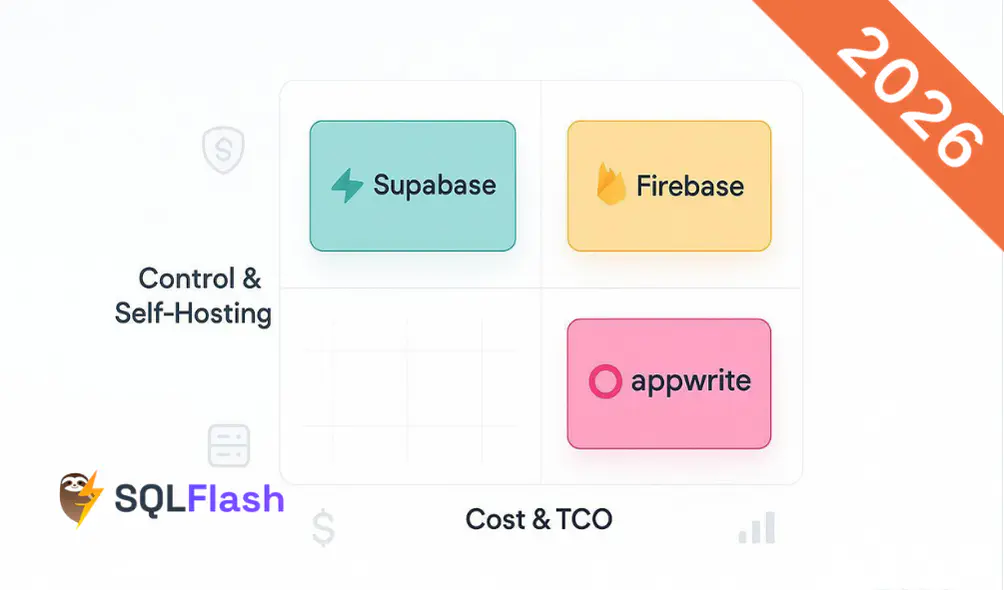
Building on a backend service today means picking not just features, but a cost model and a level of control you’ll live with for years. This guide compares Supabase, Firebase, and Appwrite through two lenses that most teams care about in 2026: cost and long‑term TCO, and control including self‑hosting and data residency. If you’re a startup CTO, a PM prioritizing timelines, a SMB backend engineer, or an indie dev watching your runway, this breakdown is for you.
Here’s the short version: Supabase vs Firebase vs Appwrite isn’t a one‑size‑fits‑all decision. If you need SQL and the option to self‑host, you’ll lean one way. If you want a fully managed stack with deep mobile tooling, you’ll lean another. If predictable quotas and a self‑host path are top priorities, a third path may fit best. Let’s get specific.
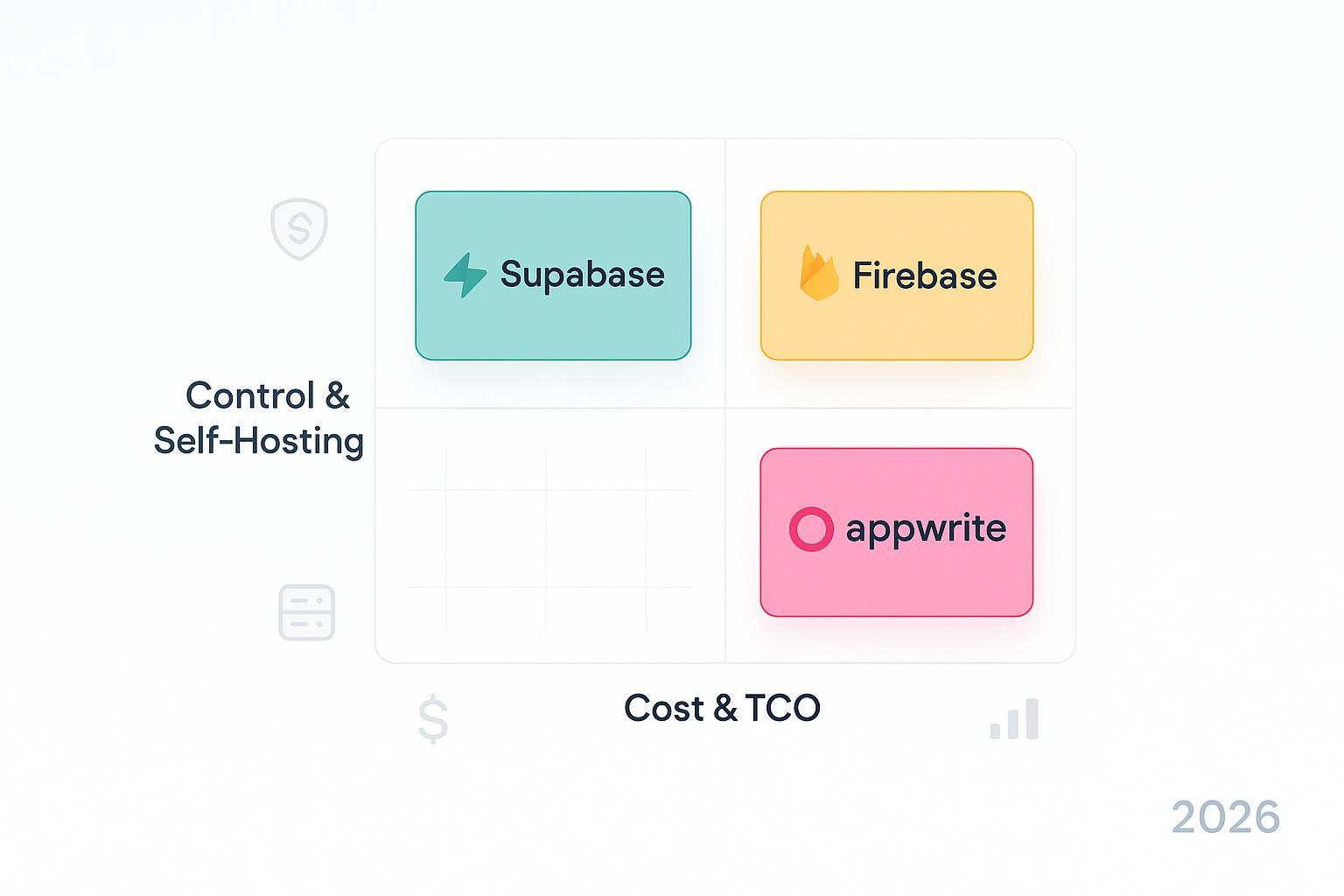
We weighted our assessment toward the two “hero” axes:
Secondary factors include data model fit (SQL vs NoSQL), real‑time and edge functions, ecosystem maturity, and migration paths. Key facts link to official documentation, such as the Firestore Enterprise pricing page and locations docs, the Supabase comparison and PrivateLink notes, and Appwrite pricing and self‑hosting references.
| Platform | Cost predictability | Control & self‑hosting | Data model | Realtime/edge note | Bottom line |
|---|---|---|---|---|---|
| Supabase | High for steady usage; tiered billing focused on database/storage/compute (no per‑request). | Managed hosting plus documented self‑hosting; regional projects; private connectivity options for enterprises. | PostgreSQL (SQL) with full schema control. | Realtime via database change streams; serverless edge functions. | Strong if you prefer SQL and want a self‑host path with predictable tiers. |
| Firebase | Variable with per‑operation models; can be predictable at scale with careful design and discounts. | Fully managed only; data location chosen at creation; no self‑host. | Firestore (document) and Realtime Database (tree). | First‑class real‑time; serverless functions; rich mobile/JS SDKs. | Ideal when you want Google’s managed platform and fast mobile/web delivery. |
| Appwrite | Predictable quotas on reads/writes, bandwidth, compute; clear overage pricing on Cloud plans. | Fully self‑hostable plus managed Cloud; multiple regions. | Collections/tables with permissions; API‑first. | Realtime across products; functions with GB‑hour quotas. | Great when you need self‑hosting flexibility with clear Cloud quotas. |
Supabase centers everything around PostgreSQL. That’s compelling if your team values relational schemas, SQL queries, and portability. Its hosted plans emphasize predictable, tiered pricing for database, storage, and compute—without per‑request metering—which can simplify forecasting compared with per‑operation billing models. The provider’s comparison materials describe this model and clearly note that self‑hosting via CLI/Docker is supported for teams that need full control or want to keep data in specific environments, as outlined in the platform’s “Supabase vs Firebase” explainer.
On control and residency, you can deploy projects into specific regions on the managed service and, at the enterprise end, use private connectivity. Regional availability and timelines for private links are documented in the platform’s connectivity guide, which is useful if you’re threading the needle between SaaS convenience and strict network boundaries.
Realtime rides on database change streams with WebSockets, which fits well for collaborative apps that already think in terms of rows and columns. Edge functions cover serverless needs with a familiar developer experience. If you’re coming from Firebase, you can even run parallel authentication during a migration by treating Firebase Auth as a third‑party provider while you move users and sessions.
Who it’s best for: Teams that prefer SQL and want a credible path to self‑hosting or tighter network controls, plus a cost structure that favors steady, tiered growth. Who might look elsewhere: Apps designed around document stores from day one, or teams that prefer Google’s managed ecosystem end‑to‑end.
References:
Firebase remains a go‑to for teams that want fast shipping on mobile and web, with a mature SDK footprint and real‑time features built in. It’s fully managed—there’s no self‑host path—so your control over deployment is exercised through data location choices and Google Cloud organization policies.
On the cost side, Firestore’s Enterprise edition introduced per‑unit pricing for realtime updates, along with detailed metering for storage, backups, and PITR. That makes it possible to model costs precisely, but it also means bills can fluctuate based on access patterns. Design matters: chatty listeners, broad queries, and hot paths can move the needle quickly. The documentation shows daily free units for realtime updates and then per‑million rates by region, so it’s worth quantifying your expected update volume during planning.
Control and residency are handled by selecting regional or multi‑regional locations at creation time—important because you can’t change a database’s location later without a migration. The platform’s storage policies are also evolving; a notable change requires pay‑as‑you‑go (Blaze) for default Cloud Storage buckets by early February 2026, which can affect projects that previously ran on free tiers.
Who it’s best for: Teams that want a fully managed platform with tight integration across analytics, messaging, storage, and functions, especially for mobile. Who might look elsewhere: Organizations that must self‑host or need hard guarantees on data residency beyond region selection and cloud policy tools.
References:
Appwrite takes an API‑first approach with a Cloud offering and an emphasis on being easy to self‑host. For many teams, that mix hits a sweet spot: predictable Cloud quotas when you want low‑ops, and a clear “bring your own infrastructure” path when you need compliance control or cost ceilings.
On costs, Appwrite’s updates through late 2025 outline included reads/writes per month, bandwidth in terabytes, compute GB‑hours, and clear overage rates on paid plans. The published materials indicate, for example, that Cloud plans include substantial bandwidth and compute quotas with transparent overage pricing. A separate update describes specific quotas for database reads and writes and per‑100k operation overage rates. As always, treat numbers as indicative and confirm on the live pricing page before you model a budget.
Control is a core theme here. The platform maintains self‑hosting guides using Docker and one‑click deploys, and its Cloud regions are documented with migration notes if you need to move a project between regions. Realtime spans databases, storage, and functions; functions are budgeted with GB‑hour quotas, which makes monthly spend easier to predict for steady workloads.
Who it’s best for: Teams that want the option to self‑host from day one or to shift from Cloud to self‑host later, and that favor predictable quotas over per‑request billing. Who might look elsewhere: Teams that require the broadest possible managed ecosystem and first‑party integrations commonly associated with hyperscale clouds.
References:
If you’re moving away from Firebase, plan on a phased migration with parallel services and clear rollback points. Here’s a high‑level checklist:
For step 2, see the official guide on using Firebase Auth as a third‑party provider during migrations; it’s a reliable way to keep users logged in while you transition.
Hobby/prototype (0–$50/month). A small project with light auth and modest reads/writes may sit comfortably on free tiers or the first paid tier. With Firebase, watch for chatty listeners that convert into realtime update units. With Supabase, most of the bill is tied to modest database/storage footprints. With Appwrite Cloud, included reads/writes and bandwidth often cover small projects; self‑hosting here can be cheaper if you already have spare infrastructure.
SMB launch (up to $500–$3k/month). At this stage, data egress and real‑time traffic matter. In Firebase, aggressive real‑time usage and broad queries can move costs quickly; you can rein it in with query hygiene and by scoping listeners. Supabase tends to scale via instance size and storage; heavy write workloads may push you to bigger compute tiers. Appwrite Cloud makes overages transparent for reads/writes, bandwidth, and compute; predictability is good, but ensure you budget for bandwidth if you serve large files.
Scale‑up (>$10k/month). At sustained scale, all three can work—design discipline and cost controls decide your fate. Firebase can benefit from Committed Use Discounts and careful listener design. Supabase’s costs concentrate in database/storage/compute; for extreme workloads, you may consider horizontal strategies, read replicas, or partitioning. Appwrite Cloud remains predictable by quota, while self‑hosting shifts spend to your cloud bill and SRE cost. The winning move is to regularly run cost drills: estimate your top five cost drivers and set alerts before overages bite.
It depends on your traffic shape. Firebase’s Firestore Enterprise edition prices realtime update units explicitly, which is great for modeling but can spike if listeners are broad or chatty. Supabase’s tiered approach concentrates costs in database/storage/compute rather than per‑request, which can be calmer for steady, predictable workloads. Appwrite Cloud allocates reads/writes and bandwidth quotas up front; bursty workloads may hit overages, but you’ll at least know the rates in advance.
Firebase is fully managed with no self‑host option. Supabase documents self‑hosting via CLI/Docker, so you can run it on your infrastructure if needed. Appwrite is self‑hostable from the start, and its Cloud product provides a hosted alternative when you don’t want to operate it yourself.
With Firebase, you pick Firestore and Realtime Database locations at creation time—regional or multi‑regional—and that choice can’t be changed later without a migration. Supabase’s hosted service deploys to regions you select and provides private connectivity features for enterprises; it also supports self‑hosting if you need to run on your own infrastructure. Appwrite offers both Cloud regions and self‑hosting, giving you flexibility to meet data residency needs.
Plan to run auth in parallel, export/import data, and gradually shift traffic using feature flags. The biggest risks are permission mismatches, query behavior differences, and under‑estimating real‑time costs in the target platform. A staged rollout with monitoring and a documented rollback plan reduces risk substantially.
Whichever platform you choose, write down your top five cost drivers and set alerts for them now. Think of it as a seatbelt—you hope you won’t need it, but you’ll be glad it’s there.
SQLFlash is your AI-powered SQL Optimization Partner.
Based on AI models, we accurately identify SQL performance bottlenecks and optimize query performance, freeing you from the cumbersome SQL tuning process so you can fully focus on developing and implementing business logic.
Join us and experience the power of SQLFlash today!.